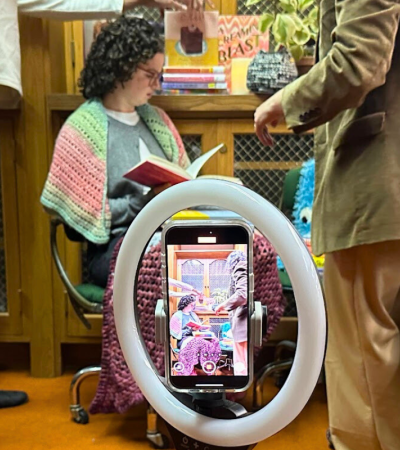
“We are built for novelty and excitement, not for careful attention to detail,” Gawande writes in the book. “Discipline is something we have to work at.”
Hermann said the book solidified her understanding of “the importance of being disciplined with having a checklist for routine and complex tasks.”
ALA identifies organizational skills as one of nine programming competencies that are vital to successful programs at libraries of all sizes and types. (The remaining eight are event planning, knowledge of the community, interpersonal skills, creativity, outreach and marketing, financial skills, content creation, and evaluation.)
Organizational skills cover time and project management, and communication and documentation strategies — individually, institutionally, and in collaboration with outside partners and organizations.
Project-management software programs such as Trello and Asana are helpful, but many librarians stick to simpler applications that you are probably familiar with, too: Microsoft Excel and Word, Google Sheets and Google Docs, and Microsoft Outlook and Google Calendar. For the analog-inclined, Post-it notes or the equivalent work, too. The key is maintaining a system of some kind, whether digital or analog.
Successful programming librarians from around the country — none formally trained in project management — shared their tips, tricks, and suggestions for staying organized in a library setting.
Use simple spreadsheets to keep track of tasks
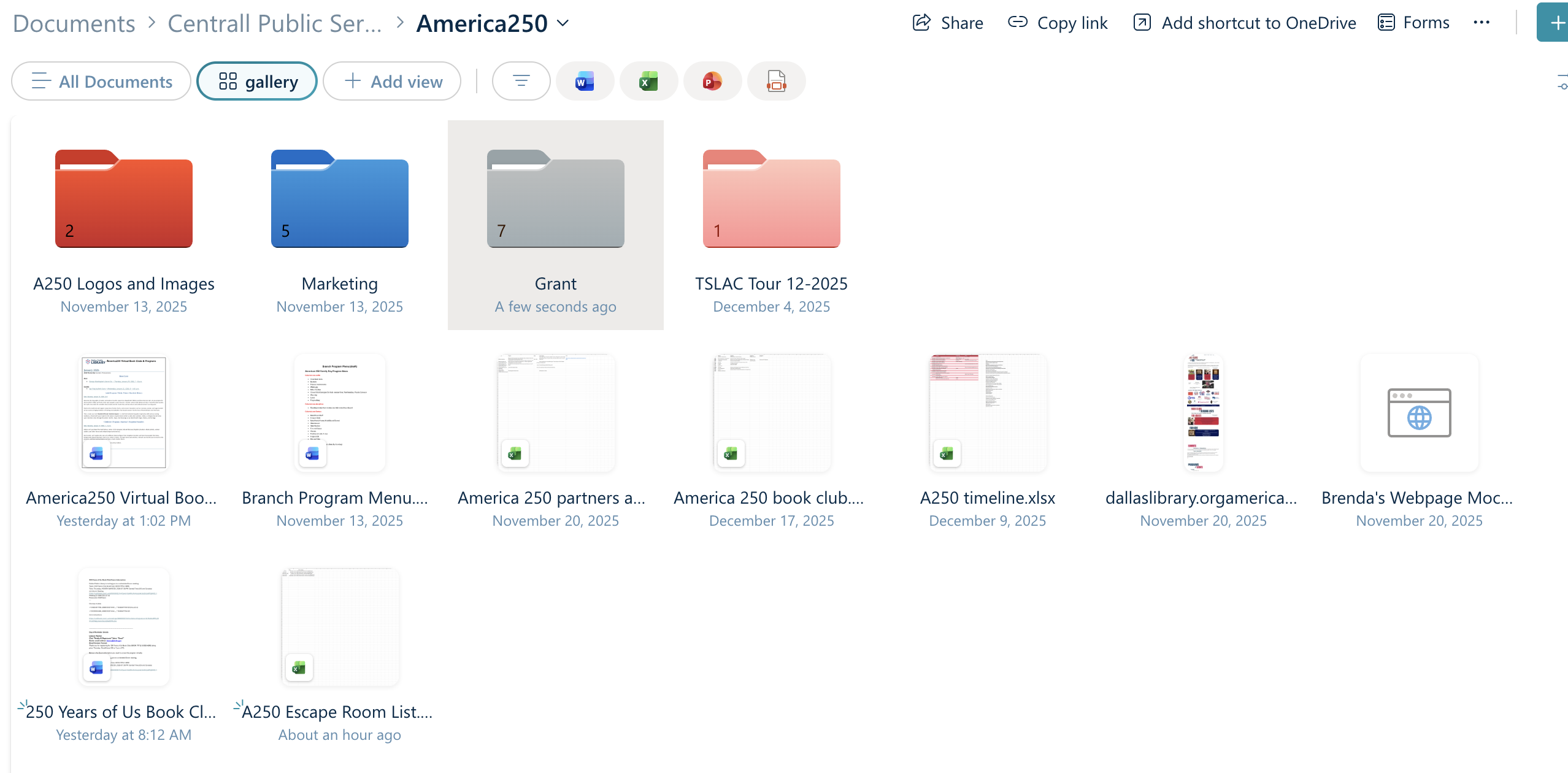
“I love a spreadsheet; Excel is my friend,” said Kristen Calvert, programs and partnerships manager at J. Erik Jonsson Central Library in Dallas. “Whenever we’re planning a big initiative, we start a new spreadsheet” that everyone at the library working on the project has access to. The to-do items on the spreadsheet vary depending on the program and its complexity, but serve as a one-stop spot for everyone to keep track of what’s happening.
Hermann creates what she calls “Planning in 4D” spreadsheets for each program that include four columns: deliverables, driver, due date, and done.
To keep a summer reading series organized, for example, the deliverables column includes more than 50 tasks to be completed: booking a room for an author’s visit (for reserving space, Hermann’s library uses the program Communico), posting about events on social media, ordering bookmarks, asking for cupcake donations, sending staff email reminders, etc. The additional columns are for the driver (the person or department responsible for the deliverable), due date, and date the task is completed. A “Notes” column allows for additional comments.
Each deliverable might also have a separate checklist. Hermann, for example, said her library requires people to fill out numerous forms for programs, so she keeps a separate checklist that tracks forms.
A master spreadsheet for library programming that covers an entire year might include columns and fields for the event date, name of program, start time, location, department organizing the event, and lead person, with possible additional columns for checking whether technical support is needed, or marketing or publicity.
Jina DuVernay, adult services manager at the Gwinnett County (Ga.) Public Library near Atlanta, likes to see her lists and tasks in physical form on a bulletin board. For author events, she keeps a Google document that tracks information — such as the name of the author, whether she’s received an author photo, a tentative event date, moderator name, bookseller to purchase books for signing, etc. — then prints it out, and reprints the document when she makes changes.
Corral information in a central place
A shared folder on a shared computer drive can be the repository for everything associated with a program. Calvert creates folders for each event that include spreadsheets, purchase orders, flyers, forms, instructions, checklists, and other documentation.
DuVernay said her programming department maintains its own Google Calendar for events but also keeps an eye on the library’s master calendar. By following what other departments are planning, her team avoids duplicating events or scheduling them at conflicting times.
Create checklists
Your goal might not be to save lives during surgery, like Dr. Gawande, but checklists, written out digitally or physically (not just stored in your mind), can prevent programming headaches. Tracking small details counts.
In addition to simple checklists with lists of tasks, detailed instructions are helpful. Tina Panik, reference and adult services manager at the Avon (Conn.) Free Public Library, said all employees at her library have online access to instructions for various programming needs, such as how to set up a room, obtain books from a bookstore for an author event, request money for a performer, work audiovisual equipment, publicize an event, and set up and run a virtual program.
Start from the end and work backward
Whether you’re planning a lecture series that lasts several months with multiple events, a one-time musician visit, or a Zoom course, you need to set a date for a program. But consider as well every task that leads up to that day. Figure out everything you’ll need to do and work backward to set deadlines based on each milestone.
If you know you want to film a presentation and post it online, consider: When will the video be posted on YouTube? When will you set up the equipment? When will you decide who does the filming and editing? If you want food at a program, set dates for delivering or picking up the food, ordering it, choosing where to purchase it, and deciding which food to serve.
This practice can be especially important for programs funded by grants, Panik said. Funders usually require libraries to keep track of tangible outcomes, such as attendance numbers and demographics of people who attended, photos taken at the event, reports or summaries of progress, evaluations, and surveys. Set dates for compiling all these requests.
Calvert uses simple formulas on her Excel spreadsheets to determine deadlines for each task. For example, if an author visit is scheduled for July 15, she always likes to contact an author four months in advance, so she’ll plug in a formula for “July 15 minus four months.” Other tasks with formulas might include dates for contacting volunteers, checking in with a presenter, or ordering food. Once you create the formulas, you can use a template for future events, adjusting as necessary.
Assign people tasks they enjoy
“Get to know the strengths of your team, and what they’re interested in,” Panik said. “Don’t make a person introduce an event who doesn’t like speaking in front of a crowd. A ‘people person’ might be a great greeter at the door, but not good at publicity.”
Some people enjoy the visual aspect of creating flyers; others prefer writing social media posts or setting up chairs. For any kind of task, if it’s pleasurable, the job is more likely to get done, and done well.
Develop an event proposal form
If you work with outside organizations that like to use the library for events, Hermann suggests creating an event proposal form. She uses Gravity Forms, which work with WordPress websites. A simple Google form is another option.
“Our community room is nearly always being used,” Hermann said, noting the library gets about 30 to 40 proposals a month for programming partnerships. “If it’s a new group we’ve never worked with before, they have to fill out the event proposal form. It creates a database for everyone who’s applied to partner with us. We have a monthly meeting to discuss if the proposal is aligned with our goals and missions.”
Schedule in-person check-in meetings
Spreadsheets are useful for keeping everyone on track, but regular in-person meetings, either with an entire planning team or individual employees, can address snags, bumps, and questions that don’t fit into digital rows and columns.
“Check-in meetings provide accountability, even if everyone knows what they’re doing,” Calvert said. “Communication is important.”
Block time for personal projects and time management
Consider adding to your organizational to-do list … time for organization. “I block out one hour a day in my calendar for project management and correspondence time,” Hermann said.
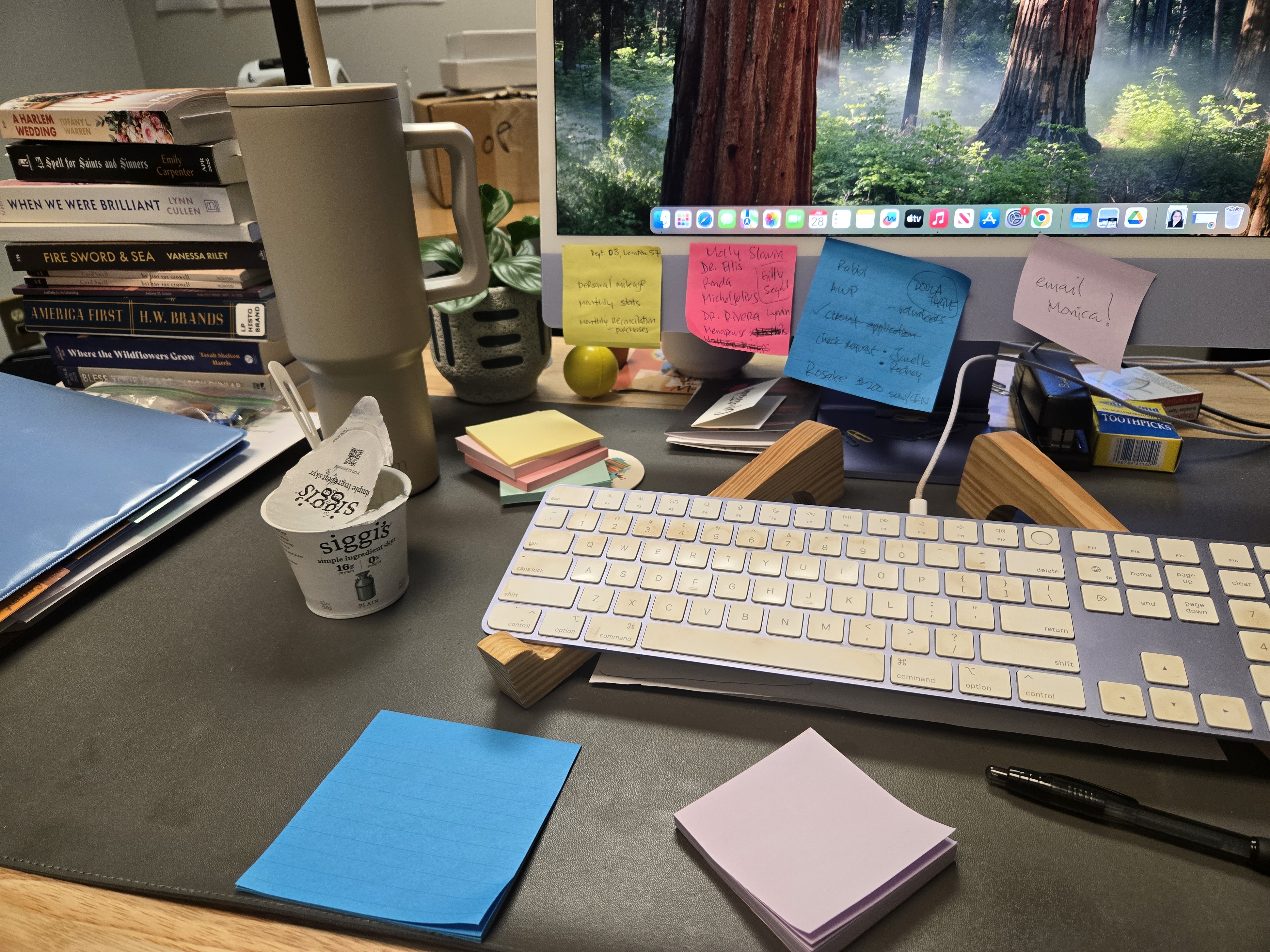
DuVernay relies on color-coded Post-it notes to prioritize tasks, such as “what can be done now versus what can wait until next week."
Ping yourself and others digitally
Online calendars, from Microsoft Outlook to Google Calendar, include robust features to manage time and send reminders about tasks and events. Digital pings can be scheduled for various intervals, from 10 seconds to 10 months. “I send myself calendar reminders so I don’t have to remember so much,” Hermann said. “I like 15-minute pings. If it appears in front of my face, it gets done.”
Calvert uses her Outlook calendar. “I put a lot of dates and deadlines in the calendar, and schedule reminder emails to myself and others through those,” she said. But she also believes in old-fashioned personal communication. “I tell people, ‘If I don’t hear from you, I’m going to call you and talk to you.’ Be sure to follow up and actually make the phone call.”
DuVernay sends multiple detailed emails to outside presenters at set intervals (six weeks before, then one week ahead) with all the details about an event so they know exactly what to expect: date, time, address, contact phone numbers, etc.
Make time for post-event evaluation
After a program is complete, you might be tempted to move on to the next one, but taking time to evaluate completed projects can make future projects more efficient. On your spreadsheets, include a column for notes about any issues that arose, and what you might do differently next time. According to Hermann, thanks to post-event evaluation, “planning gets easier every year.”
Do you have other organizational strategies or tools to share? Email them to us at publicprograms@ala.org.
Organizational Skills is one of the nine programming competencies identified by ALA's National Impact of Library Public Programs Assessment (NILPPA).
This article is made possible in part by the Institute of Museum and Library Services grant number RE-256725-OLS-24.